
What is H5P?
H5P is a way of creating online interactive content for your course or website. You can create these items for free, although you can also use other content already created and adapt it for your own course.
Does is work with Blackboard?
Yes! In fact there are two different ways to add H5P modules to Blackboard. You can either embed an item or you can add it as a SCORM item. More information on what that means or how that is accomplished is in the videos below.
Is it complicated to use?
Not at all. It is very user-friendly. There are also lots of support documents and videos available online. It is a popular platform for teachers to use to create interactive elements for their classes.
Are there going to be workshops/training available at Douglas College on how to use it?
Yes. Not only that, but there will be a dedicated place at Douglas College for H5P resources. More on that to come!
What can you do with H5P?
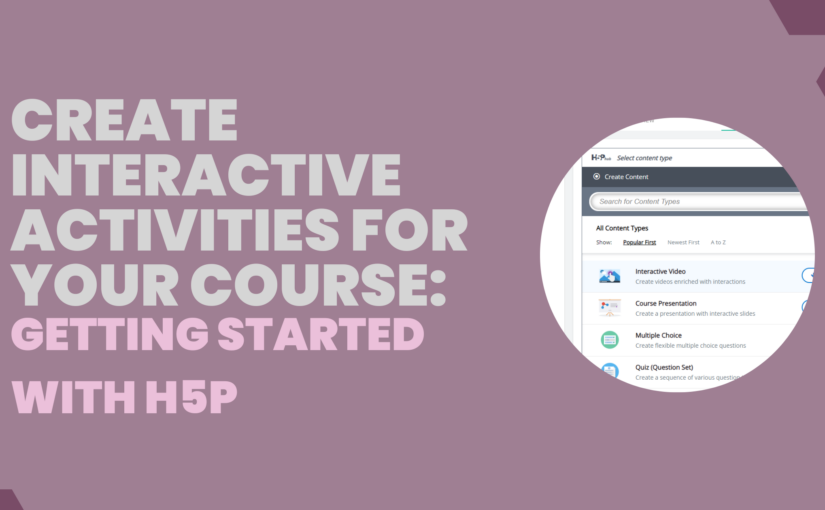
There are so many different types of content you can create using H5P and it is being updated reguarly. Go to this page and click on any of the content types listed there to see a description and example.
How do I get started?
Here are two videos I created to get you started. Click on the banner images to watch the videos.


Links mentioned in the videos: