Reimagining Post-Secondary Education with Jennifer Anaquod

Show notes and links mentioned in the recording

Conversation between Jennifer Anaquod, Director, Indigenous Academic Initiatives, and Steven Bishop, Learning Designer, Academic Technology Services
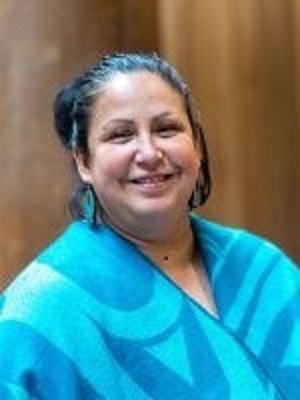
Jennifer Anaquod with a blue shawl

Land Acknowledgement

Douglas College respectfully acknowledges that our campuses are located on the unceded traditional and ancestral lands of the Coast Salish Peoples, including the territories of the qÌ“Ă­c̓əy̓ (Katzie), qʌʷa:n̓ƛʌən̓ (Kwantlen), kÊ·ikʷəƛ̓əm (Kwikwetlem), xÊ·məξkʷəy̓əm (Musqueam), and qiqĂ©yt (Qayqayt) First Nations.

Jennifer Anaquod, Anishinaabe from Treaty 4 Territory in Saskatchewan

Steven Bishop, from the unceded territory of the Coast Salish people. Originally, from the traditional lands of the Puyallup Tribe.

Having students annotate a YouTube video with Hypothes.is

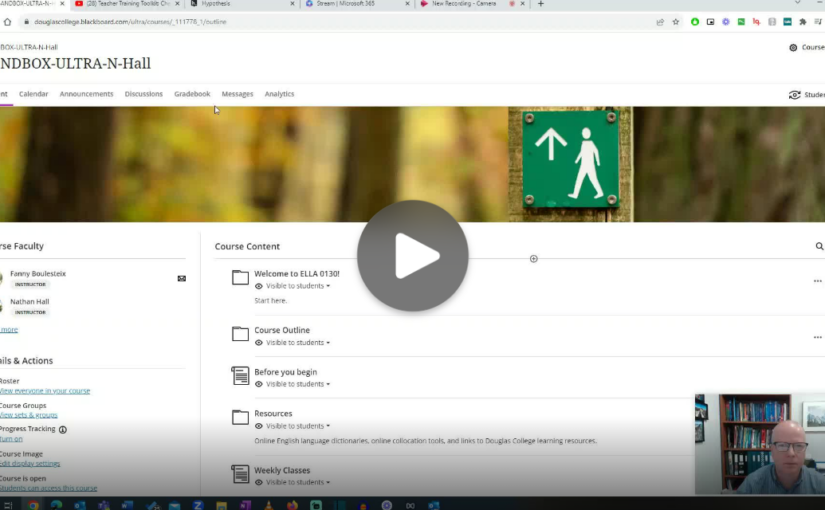
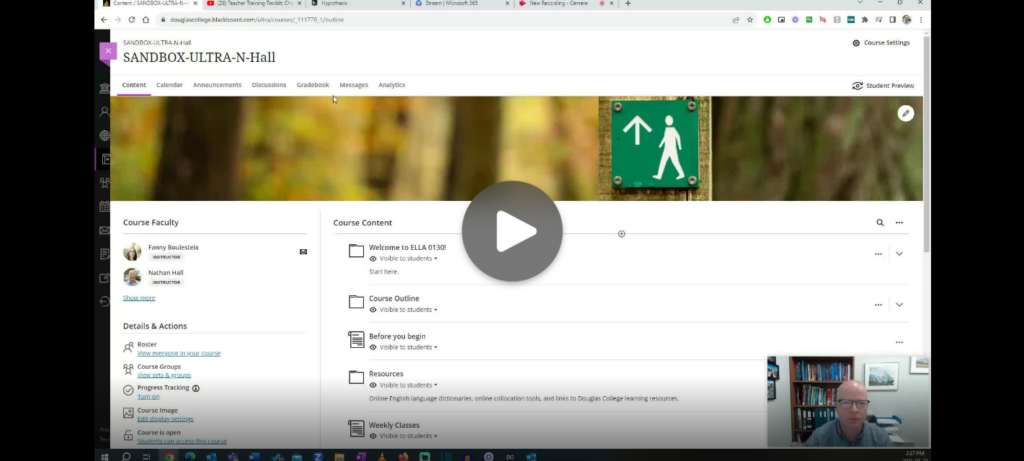
One tool you can use in Blackboard with your students is Hypothes.is, a social annotation tool that allows groups of people to annotate a website or document together. Hypothes.is has recently added the ability to annotate YouTube video transcripts. Here is a short demonstration on how that works.

A screenshot of the video
Click on the image to watch the demonstration

Interested in Finding Open Educational Resources (OER) in your Subject Area?

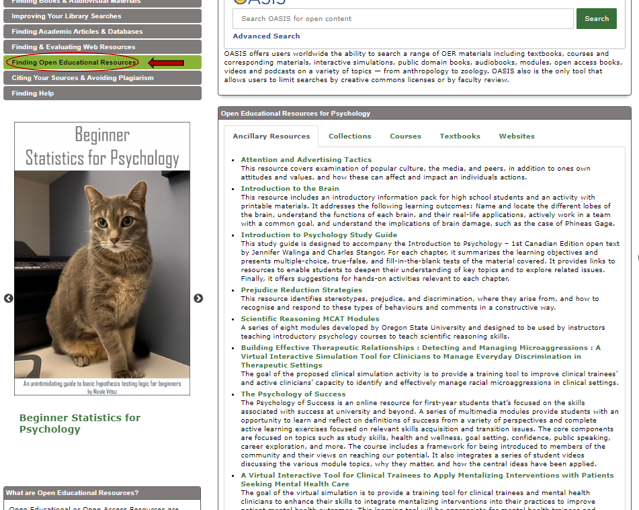
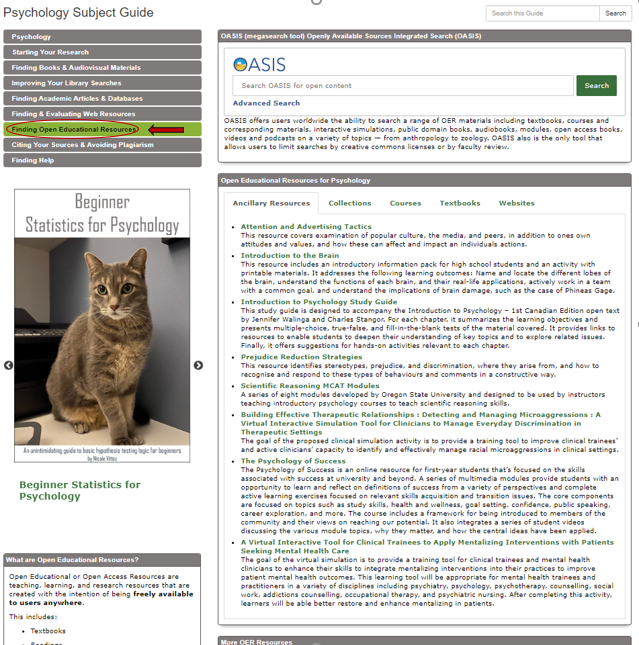
To find Open Educational Resources (OER) by subject, visit the Douglas College Subject Guides where you will see the “Finding Open Educational Resources” tab on the sidebar menu on each Subject Guide. Here is an example from the Psychology Subject Guide where there are suggested OER lists for textbooks, websites, collections, and ancillary resources. See picture below:

Screenshot of the Psychology Subject Guide on the Douglas College Library website. In the menu on the left, the Finding Open Educational Resources tab is highlighted and circled.

Using Microsoft Stream to record a screencast

Microsoft has made some helpful updates to their video storage and streaming service Stream which has made it possible to create and share screen recordings with or without webcam videos. Here are some of the key features

  • No need to download any software. Simply record directly from a browser like Google Chrome.
  • Records your screen, audio, and your webcam.
  • Stores files in OneDrive. Videos are ready as soon as your are done recording.
  • Can have captions automatically generated with a transcript.
  • Can add chapters to make it easier to find sections of the video.
  • Can be embedded in a Blackboard page.

I find this tool really useful for giving video guidance to people who email with me questions that are easier to demonstrate than to give written instructions. I simply do a quick recording, grab the share link, and paste it in an email.

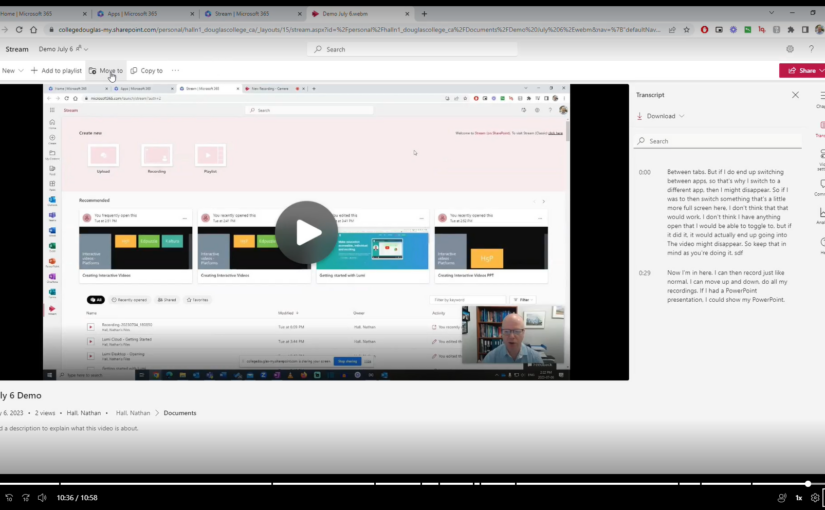
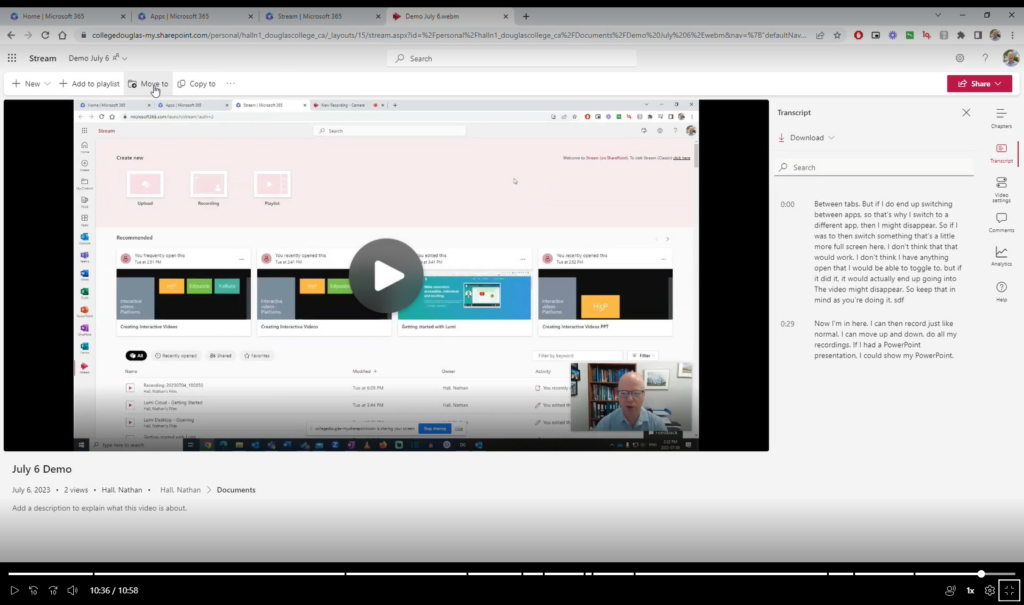
Here is a video on how to use it. You can also use the chapters to skip around.

Screenshot of the

Click on the image to watch the video

Join us at the BUS Stop following the welcome-back BBQs 

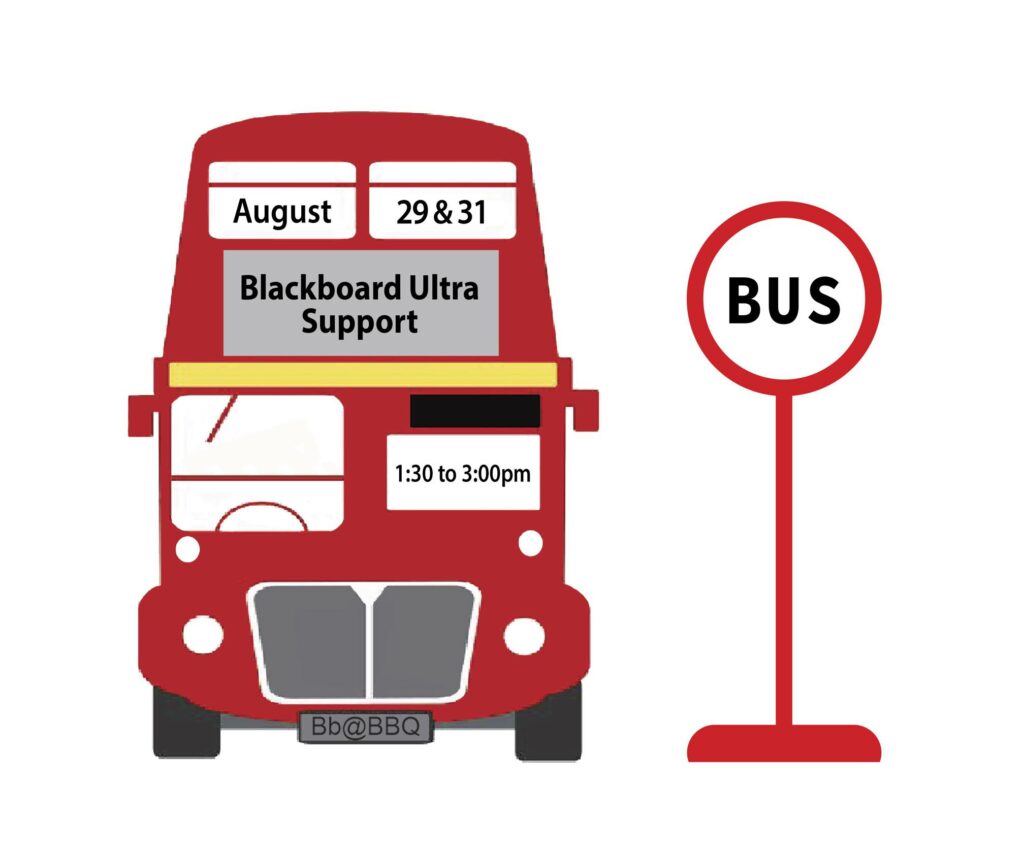
A red bus at a bus stop. The bus has the dates August 29 and 31 at the top with Blackboard Ultra Support just under that. The times 1:30-3:00 pm are beside the driver's window and Bb@BBQ is the license plate.

Many of you are thinking about transitioning to Blackboard Ultra in the not-too-distant future, perhaps even this Fall. To provide you with some additional help before the term starts, we will be holding a BUS (Blackboard Ultra Support) Stop event for faculty needing some specific support. 

Think of it as a bit of social: Go to the BBQ, then drop by the BUS Stop for dessert and conversation with your peers about Blackboard Ultra. Have some pressing questions you need answered? Pop by! Cathy Mills (Sport Science instructor and BB Ultra Faculty Liaison) and the Learning Designer team will be there to review your questions, and give you some solid advice on how to move forward. 

Here are the details: 

BUS Stop: Coquitlam campus, room B2250; August 29, 1:30-3:00pm. 

Register here: https://www.eventbrite.ca/e/bus-stop-coquitlam-tickets-645475985047  

BUS Stop: New West campus, Lower CafĂ©/Douglas Room (N1200); August 31, 1:30-3:00pm. 

Register here: https://www.eventbrite.ca/e/bus-stop-new-west-tickets-645517589487  

And, even if you feel good to go, drop by for some dessert and a chat anyway. We’d love to hear how your transition to Ultra went. 

Workshop: Universal Design for Learning – What is it and how much extra work is it really?

Someone uses their hands as they talk. There is a laptop on the desk in front of them beside a notebook and mobile phone.

Due to the success of the session in May, DESC is offering two more sessions: one on the New Westminster campus and one on the Coquitlam campus. Please sign up soon to reserve your spot. 

Join DESC (Douglas Educational Support Community) for this introductory session on UDL and how small changes to instructional delivery can create a significant impact on both the student and the instructor experience. Be prepared for an interactive experience (using UDL principles) with your phone/tablet. There will be an opportunity to ask questions throughout. 

New Westminster 

Coquitlam 

Your facilitators will be: 

Justine Charrier, Coordinator and Accessibility Specialist in Accessibility Services. She began her career at Douglas in 2015 working in the Vocational Education & Skills Training (VEST) department. Her background in Accessibility having worked in both the public and private sectors aided in the support she was able to offer students, staff and faculty. She transitioned into the Accessibility Services department in 2018 and has provided support to students, staff and faculty with regards to Assistive Technology, Accommodation Planning and Coordinating. Justine has been asked to advise on many issues surrounding accessibility such as; best practices incorporating UDL in curriculum, technology solutions, and accessible planning during renovations; to name a few. While completing her Masters of Education with a specialty in Curriculum and Instruction for Post-Secondary, her focused research project was A Comprehensive Post-Secondary Educator’s Guide to Accessibility Using Universal Design for Learning (UDL) Principles. Justine strives to provide a space where students feel supported and equal access is provided. 

Rowan Lupton, Accessibility Specialist in Accessibility Services.  Rowan has worked in Accessibility Services in postsecondary for fifteen years.  She has also taught EASL and study skills classes.  She has been a keen student of UDL since completing her Masters in Education and is currently working on incorporating UDL for equity and to support executive functioning into her work with students. 

What’s your take on AI? – Episode 01

What’s your Take on AI? is a Douglas Educational Support Community initiative spotlighting Douglas College instructors and their thoughts on Generative AI. The views of the instructors are their own and do not necessarily represent their department, faculty, or the institution as a whole.   

The goal of the series is to share perspectives and to put the conversation of generative ai, and both its real and perceived impacts, into the open. 

 WYTAI Episode 01: Jill Fellows, Philosophy Instructor at Douglas College 

Show Notes:  

Gender, Sex, and Tech! An Intersectional Feminist Guide Edited by Jennifer Jill Fellows and Lisa Smith 

JORGE ARANGO- Book Notes: “On Bullshit” 

A Harem of Computers: The History of the Feminized Machine by Jill Fellow 

UN experience with Women Peace and Security assignment in Mali – SDG #5 Gender Equality – Marie-Therese Atsena-Abogo

Marie Therese Atsena Abogo, Ph.D. is an Anthropologist, Consultant, and Professor in Humanities and Social Sciences. In this presentation, Marie-Therese discusses her fieldwork experience with the UN Mission in Mali.

Video recording from the March 7, 2023 SDG Week Canada at Douglas College World Café presentation: http://api.ca.kaltura.com/tiny/i3ceq

PowerPoint presentation

BIBLIOGRAPHY- CONFERENCE ON UN EXPERIENCE IN IMPLEMENTATION OF WPS AGENDA/SDG-5 (MARIE-THERESE ABOGO)

1.Mali and the Djenne Mosque 

https://www.britannica.com/place/Mali

2.Mopti and its Arts Center or “village artisanal” 

https://www.afribone.com/village-artisanal-de-mopti-les-travaux-sont-lances/

https://minusma.unmissions.org/mopti-les-populations-et-la-minusma-poursuivent-leurs-%C3%A9changes

https://koulouba.com/societe/mopti-et-bandiagara-inaugurent-leur-village-artisanal

3. University of Timbuktu and Sankore Mosque

https://www.blackpast.org/global-african-history/institutions-global-african-history/sankore-mosque-and-university-c-1100/#:~:text=Sankore%20Mosque%20and%20University%20is,region%20of%20modern%2Dday%20Mali.

4. Dogon knowledge of Sirius star in Nasa Astrophysics journal

https://adsabs.harvard.edu/full/1977Obs….97…26P

5.Sirius star in Modern Science

6. The Gender Unit in the UNPeacekeeping Mission in Mali

https://minusma.unmissions.org/en/mandate-gender-unit

7. UN Resolution 1325

https://peacemaker.un.org/node/105


8.  UN Resolutions 1325 and 1820: constructing gender in armed conflict and international humanitarian law

https://www.icrc.org/en/doc/assets/files/other/irrc-877-barrow.pdf

9. Jennie Lorenzen. 2018. Women Inclusion in Peace processes (CSA) in Mali

https://www.thebrokeronline.eu/women-s-inclusion-in-the-peace-process-in-mali/

10.Women participation in Peace and Reconciliation processes in Mali (report of Peace research insitute of Oslo)

https://gps.prio.org/utility/DownloadFile.ashx?id=1166&type=publicationfile

11. Women situation rooms in Mali: An address and welcome of Ms Martha Pobee, UN Under Secretary General for Africa

https://peacekeeping.un.org/fr/le-vestibule-de-veille-pour-les-femmes-et-les-filles-accueille-la-sous-secretaire-generale-de-lonu

12. Women situations rooms in Mali: an opportunity for women participation in electoral processes

https://maliactu.net/projet-vestibule-de-veille-des-femmes-et-des-filles-une-aubaine-pour-assurer-la-participation-des-femmes-aux-processus-electoraux-au-mali/

13.Jennie Lorenzen, Nana Alassane Toure and Bassirou Gay (2019). “Women’s Participation in Peace and Reconciliation Processes in Mali : Perspectives from Segou, Mopti and Tombouctou”. Peace Research Institute of Oslo (PRIO).

https://gps.prio.org/utility/DownloadFile.ashx?id=1166&type=publicationfile

Sustainable Development Goals Canada at Douglas College

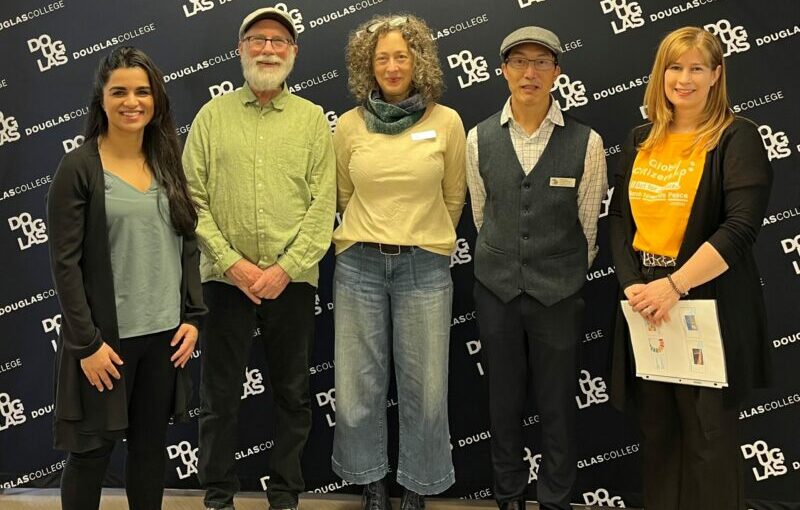
Karen Atwal, Steven Bishop, Katharine Shipley, Colin Cheng, and Janice Sestan

A small group of organizers with a lot of supporters organized the first UN SDG Week Canada event at Douglas College yesterday. The World Café featured short talks and dialogue from the following instructors who have incorporated UN SDGs into their curriculum:

  • Assembling with Purpose – Electronics and General Assembly program’s partnership with Purpose Society’s Digital Inclusion Hub. – Karen Atwal
  • Urban Orienteering– Multiple SDGs – Jovian Radeshwar
  • Global Citizenship, COIL and SDGs– Janice Sestan
  • Indigenous Peoples and the Sustainable Development Goals – Dr. Carling Beninger
  • UN experience with Women Peace and Security assignment in Mali – SDG #5 Gender Equality – Marie-Therese Atsena-Abogo
  • Chemical Oceanography and Saving Howe Sound – SDG #7 – Brenda Addison-Jones

Introduction: http://api.ca.kaltura.com/tiny/tax8x

For the full week program, related Douglas College and SDG resources, upcoming events and more, see: https://padlet.com/embed/i8wyrbgi9wif5ceu

Creating a booking page using Outlook Online

Microsoft recently made some changes to Outlook online to make it easier to create a personal booking page. This is a way for people to book time with you using your Outlook calendar. They do not see your calendar, but they will see the times you are available inside the windows of time you set up. It is a great way for you to create office hours or to have a way for colleagues to find time to meet with you.