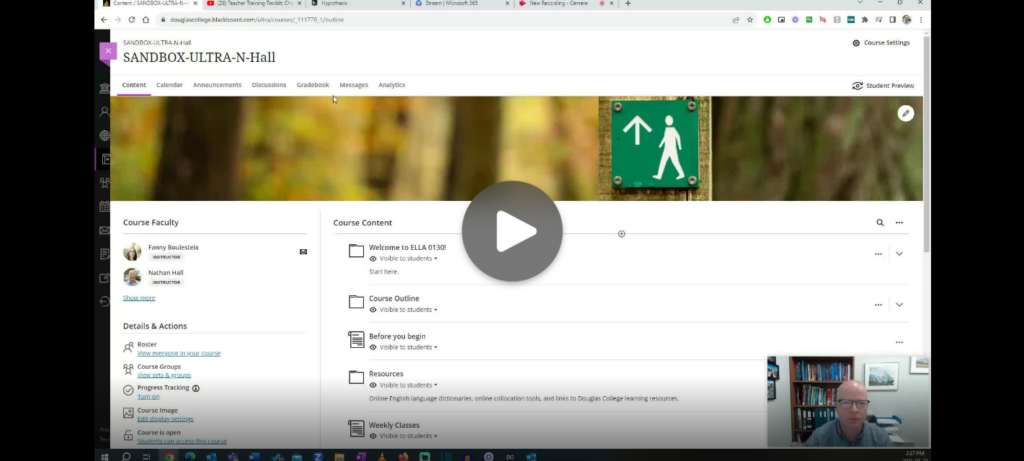
One tool you can use in Blackboard with your students is Hypothes.is, a social annotation tool that allows groups of people to annotate a website or document together. Hypothes.is has recently added the ability to annotate YouTube video transcripts. Here is a short demonstration on how that works.
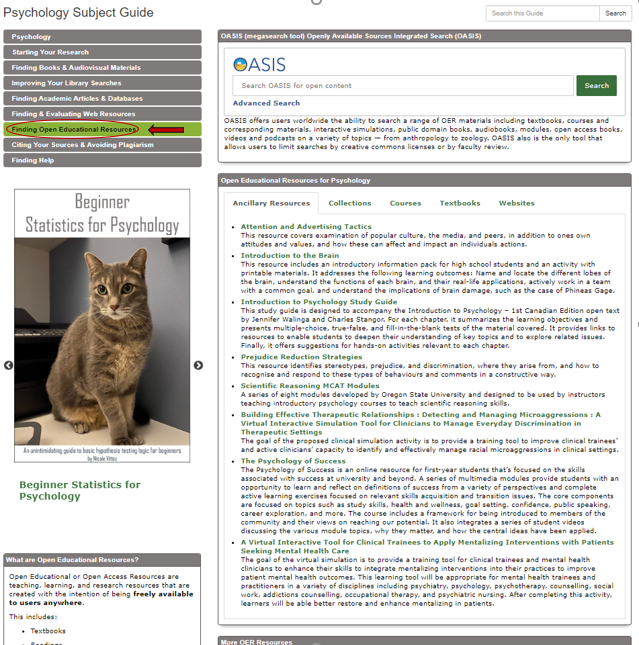
To find Open Educational Resources (OER) by subject, visit the Douglas College Subject Guides where you will see the “Finding Open Educational Resources” tab on the sidebar menu on each Subject Guide. Here is an example from the Psychology Subject Guide where there are suggested OER lists for textbooks, websites, collections, and ancillary resources. See picture below:
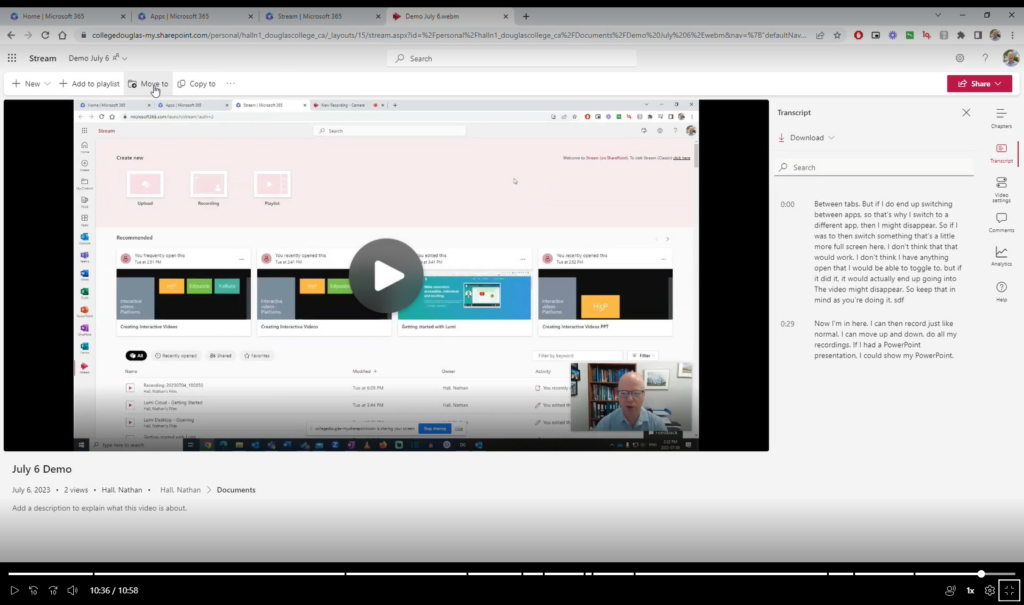
Microsoft has made some helpful updates to their video storage and streaming service Stream which has made it possible to create and share screen recordings with or without webcam videos. Here are some of the key features
No need to download any software. Simply record directly from a browser like Google Chrome.
Records your screen, audio, and your webcam.
Stores files in OneDrive. Videos are ready as soon as your are done recording.
Can have captions automatically generated with a transcript.
Can add chapters to make it easier to find sections of the video.
Can be embedded in a Blackboard page.
I find this tool really useful for giving video guidance to people who email with me questions that are easier to demonstrate than to give written instructions. I simply do a quick recording, grab the share link, and paste it in an email.
Here is a video on how to use it. You can also use the chapters to skip around.
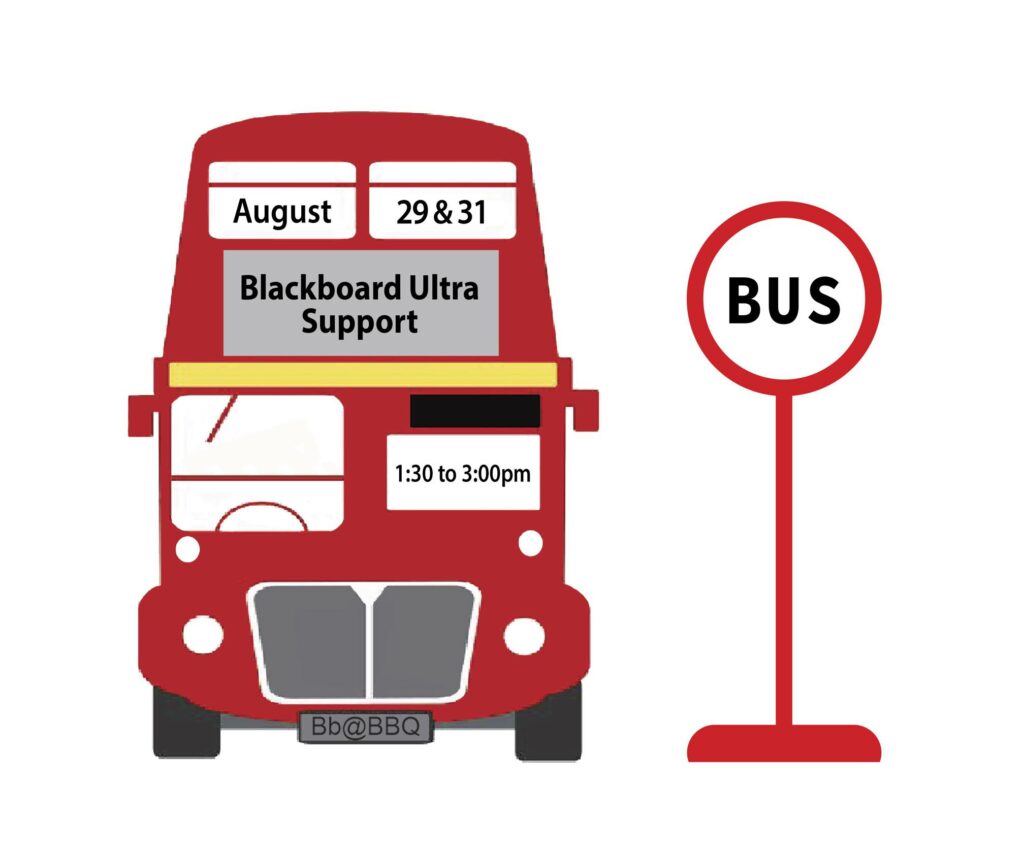
Many of you are thinking about transitioning to Blackboard Ultra in the not-too-distant future, perhaps even this Fall. To provide you with some additional help before the term starts, we will be holding a BUS (Blackboard Ultra Support)Stop event for faculty needing some specific support.
Think of it as a bit of social: Go to the BBQ, then drop by the BUS Stop for dessert and conversation with your peers about Blackboard Ultra. Have some pressing questions you need answered? Pop by! Cathy Mills (Sport Science instructor and BB Ultra Faculty Liaison) and the Learning Designer team will be there to review your questions, and give you some solid advice on how to move forward.
Here are the details:
BUS Stop: Coquitlam campus, room B2250; August 29, 1:30-3:00pm.
Due to the success of the session in May, DESC is offering two more sessions: one on the New Westminster campus and one on the Coquitlam campus. Please sign up soon to reserve your spot.
Join DESC (Douglas Educational Support Community) for this introductory session on UDL and how small changes to instructional delivery can create a significant impact on both the student and the instructor experience. Be prepared for an interactive experience (using UDL principles) with your phone/tablet. There will be an opportunity to ask questions throughout.
New Westminster
DATE: August 14
TIME: 9:30-11:00AM
LOCATION: We will be face to face! Come to room S1715.
Justine Charrier, Coordinator and Accessibility Specialist in Accessibility Services. She began her career at Douglas in 2015 working in the Vocational Education & Skills Training (VEST) department. Her background in Accessibility having worked in both the public and private sectors aided in the support she was able to offer students, staff and faculty. She transitioned into the Accessibility Services department in 2018 and has provided support to students, staff and faculty with regards to Assistive Technology, Accommodation Planning and Coordinating. Justine has been asked to advise on many issues surrounding accessibility such as; best practices incorporating UDL in curriculum, technology solutions, and accessible planning during renovations; to name a few. While completing her Masters of Education with a specialty in Curriculum and Instruction for Post-Secondary, her focused research project was A Comprehensive Post-Secondary Educator’s Guide to Accessibility Using Universal Design for Learning (UDL) Principles. Justine strives to provide a space where students feel supported and equal access is provided.
Rowan Lupton, Accessibility Specialist in Accessibility Services. Rowan has worked in Accessibility Services in postsecondary for fifteen years. She has also taught EASL and study skills classes. She has been a keen student of UDL since completing her Masters in Education and is currently working on incorporating UDL for equity and to support executive functioning into her work with students.