Jacob Goldowitz is one of the Learning Designers at Douglas College, and was a big part of envisioning and organizing the Better Together – Partners in Learning Conference May 2-6, 2022 at Douglas College. The conference sessions were delivered in-person, and virtually. Stay tuned for more episodes
One of the tools we have access to at Douglas College is Camtasia. Camtasia is a powerful screen recording and editing software that normally costs hundreds of dollars. While it can seem complicated to use, it really isn’t that hard to master. For most people, there are some simple things you can do to create videos for your course or workspace. Here are some short videos to take you through how to record and edit your own videos.
One of the newest additions to Blackboard at Douglas College is Padlet. You can use this with your students in so many creative ways and it is mobile-friendly as well.
Here is a video on:
how you can add padlet to your Blackboard course (Original and Ultra),
how you can create a padlet including recommended settings,
and what the different types of padlets looks like with examples.
Click the image above to watch the video.
Here are some example padlets:
Map style: Metro Vancouver Coffee Shops
Feel free to edit this one. Add your own favourite coffee shops. You can also add links and a description if you like. You are also welcome to rate those that are already posted.
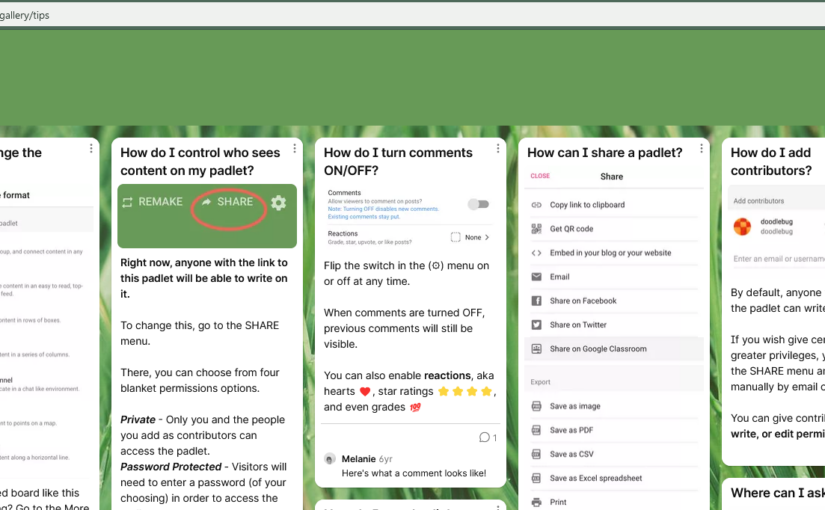
Wall format: Padlet Tips and Tricks
This is an example from Padlet. I don’t have the rights to edit it, so it is view only.
Shelf style: Better Together Conference
This is a padlet we used for the Better Together conference to gather notes and other resources from the conference. Each session has their own column.
Stream style: Blog on the best-selling product of all time
This is another example from Padlet, so it is view only.
H5P is a way of creating online interactive content for your course or website. You can create these items for free, although you can also use other content already created and adapt it for your own course.
Does is work with Blackboard?
Yes! In fact there are two different ways to add H5P modules to Blackboard. You can either embed an item or you can add it as a SCORM item. More information on what that means or how that is accomplished is in the videos below.
Is it complicated to use?
Not at all. It is very user-friendly. There are also lots of support documents and videos available online. It is a popular platform for teachers to use to create interactive elements for their classes.
Are there going to be workshops/training available at Douglas College on how to use it?
Yes. Not only that, but there will be a dedicated place at Douglas College for H5P resources. More on that to come!
What can you do with H5P?
There are so many different types of content you can create using H5P and it is being updated reguarly. Go to this page and click on any of the content types listed there to see a description and example.
How do I get started?
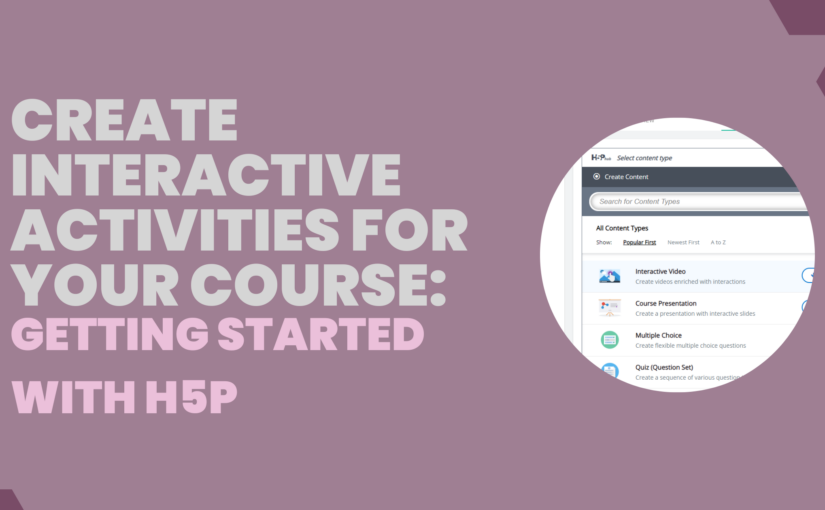
Here are two videos I created to get you started. Click on the banner images to watch the videos.
I wanted to thank Jacob Golodwitz for introducing me to Lumi and showing me how to add H5P as a SCORM item to Blackboard.